A locked account can quickly interrupt someone’s work, especially during peak moments when access is needed for tasks. A failing laptop during a customer call can stall a discussion and delay responses. An update that breaks an application can disrupt ongoing work and extend downtime.
Troubleshooting remains part of IT support, ensuring problems are diagnosed and resolved. However, most IT teams spend much of their time maintaining and improving the systems employees depend on to stay productive. This shift reduces the direct troubleshooting time available for urgent issues.
Even small companies usually depend on different connected systems: email, cloud software, employee devices, networks and security tools. Without regular maintenance, a simple configuration issue or outdated system can prevent employees from accessing the tools they need.
Today’s IT support covers immediate troubleshooting, system maintenance, security and technology planning. Effective IT support starts with understanding which applications employees depend on, which systems are business-critical and where recurring issues come from. That information helps the IT team focus maintenance and security efforts on the systems employees depend on most.
it support role in prevention
Moreover, the role of IT support in preventing technical problems.
A reactive IT model usually starts only after a problem appears: an employee reports an issue and IT investigates after work has already been interrupted.
For a small company with limited devices and few applications, reactive support may be enough. As companies add users, applications and devices, a single problem can involve multiple systems instead of one computer or account.
A login or device issue may involve many underlying areas, including:
- User permissions
- Network access
- Cloud applications
- Security settings
- Device configuration
- Software updates
- Data availability
For example, a slow computer may need a software update, while a login issue may actually come from incorrect permissions rather than the application itself. The immediate fix is important, but recurring issues usually require identifying why the failure happened.
What does IT support include?
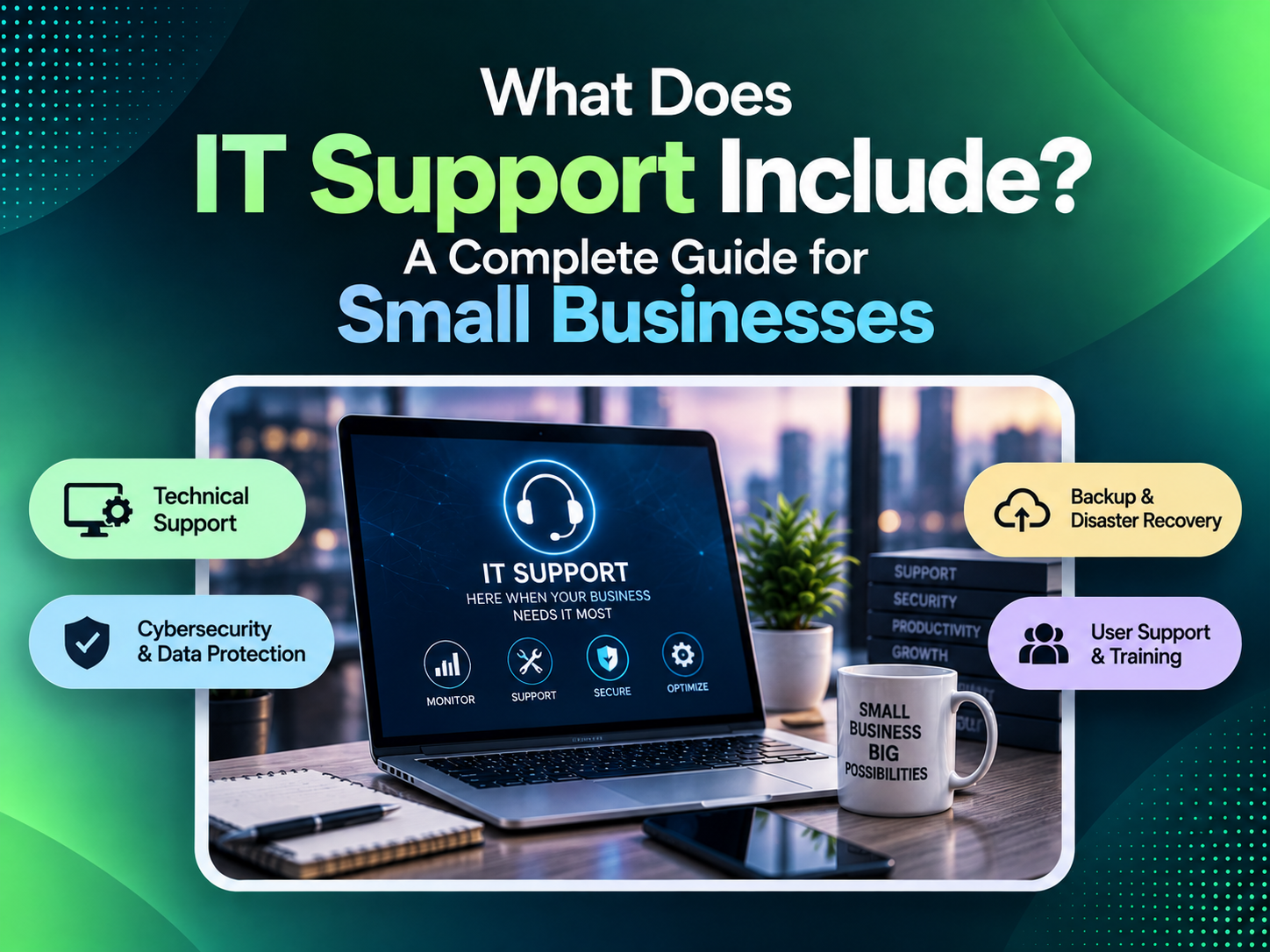
The exact services vary, but most small and mid-sized companies need support across different core areas:
1. Employee support and everyday troubleshooting
Employees usually contact IT when a device, account or application prevents them from completing a task. Common requests include:
- Computer troubleshooting
- Software installation
- Email issues
- Printer problems
- Password resets
- Access problems
- Mobile device support
- Remote work assistance
When a technical issue blocks an employee, the priority is restoring access and getting the person back to work. Fixing the immediate issue does not always prevent the same problem from returning.
An IT technician also needs to understand how the affected device, account or application connects with the rest of the company’s systems. Understanding the environment helps technicians identify recurring causes rather than fixing the same failure repeatedly. MSI’s IT support team handles troubleshooting while taking the company’s existing systems and workflows into account.
2. Managing networks and business connectivity
Every laptop, phone, printer and cloud application an employee uses relies on the company’s network infrastructure. A network issue can prevent employees from opening files, using applications or communicating with customers and coworkers. Network support typically covers areas like:
- Network monitoring
- Router and firewall management
- Wireless network support
- Connectivity troubleshooting
- Network configuration
- Performance improvements
A slow application does not always mean the application itself is failing. The slowdown could come from the internet connection, the employee’s device, network configuration or security settings. Finding the cause requires checking how the network, device and application work together instead of troubleshooting each part in isolation.
MSI’s network management services monitor network performance, update configurations and resolve issues before employees lose access to critical tools.
3. Security management and threat prevention
Security has become part of everyday IT operations rather than a separate activity handled occasionally. That includes managing accounts, controlling access and protecting company data.
Cyberattacks are not limited to large enterprises. Smaller companies can also be affected. These smaller businesses are targeted because they may lack dedicated security staff, monitoring tools or consistent security practices.
Common security measures include:
- Software updates
- Security monitoring
- User access management
- Device protection
- Backup management
- Incident response planning
Many security incidents start with basic gaps, like outdated software, weak passwords, unused accounts or employees missing warning signs. The Cybersecurity and Infrastructure Security Agency (CISA) recommends basic protections that small businesses can implement, including multi-factor authentication, software updates, strong passwords and backup planning.
The National Cybersecurity Alliance’s 2025 Small Business Cybersecurity Report found that many small businesses continue to face challenges with employee security habits and putting basic protections into practice. Security requires ongoing updates, monitoring and employee awareness.
Security tools alone are not enough. Businesses also need someone reviewing alerts, managing permissions and investigating suspicious activity.
MSI’s security and virus removal services combine security tools with engineer support to investigate threats and help businesses respond when issues occur. MSI provides direct access to engineers who are familiar with each client’s systems and can investigate issues with that context.
4. Managing user accounts and permissions
Whenever someone joins, changes roles or leaves a company, IT must update their access permissions. Proper account management controls access to company systems and sensitive information. IT support can assist with:
- Creating employee accounts
- Setting permissions
- Managing shared resources
- Removing access when employees leave
- Supporting cloud applications
Weak access controls can leave former employees active in systems, expose files or delay new employees who need access. A documented process protects company data and gives employees a consistent way to request access.
5. Backup management and disaster recovery
Many companies only review their backup process after a failed drive, ransomware attack or accidental deletion causes data loss. A backup plan should answer five basic questions:
- What data is protected
- How frequently backups run
- Where backups are stored
- Who can restore systems
- Whether recovery has been tested
A backup that has never been tested may not work when the company needs it. Recovery testing shows whether files and systems can actually be restored after hardware failure, ransomware or accidental deletion. A tested recovery process reduces uncertainty by showing exactly how systems will be restored after an outage.
6. Managing cloud applications and services
Cloud applications still require administration, security reviews and user management after migration. Cloud support typically covers:
- User management
- Security configuration
- Troubleshooting
- Application integration
- Permission reviews
- Cost management
A company might use separate tools for email, document storage, customer management, accounting and specialized business software. Without assigned owners and regular reviews, companies may not know who can access sensitive files or whether applications are configured securely.
IT support manages user access, resolves application issues and reviews cloud configurations. Companies with specific hosting needs may also consider options like managed web hosting services or dedicated server solutions when standard hosting does not provide enough control.
7. Hardware and software management
Deploying devices and software is only step 1. Companies also need to maintain and replace them over time. This includes managing:
- Computers
- Laptops
- Mobile devices
- Software licenses
- Operating system updates
- Equipment replacement planning
Poorly maintained systems can result in:
- Unsupported software
- Outdated devices
- Security weaknesses
- Unexpected technology costs
Regular reviews show which devices are nearing replacement, which software needs updates and where risks are developing. An IT provider can help decide whether repairing, replacing or upgrading equipment is better before a failure creates an emergency.
Break/fix support vs proactive IT management
Break/fix support starts after a failure, while managed IT services focus on maintaining systems before failures occur. In a break/fix model, companies contact IT only after a device, application or system issue interrupts work. That means employees may already be blocked from completing tasks before support starts.
Managed IT services work differently by focusing on ongoing maintenance instead of emergency fixes. The service focuses on regular monitoring, maintenance and early troubleshooting. This approach may include:
- Monitoring systems
- Applying updates
- Reviewing security risks
- Maintaining documentation
- Planning upgrades
- Identifying recurring issues
For companies with expanding technology needs, proactive management can reduce repeated issues and unplanned downtime. MSI provides managed IT services in Irvine, CA for businesses that need ongoing monitoring, maintenance and technical support.
The value of a dedicated IT support team
IT problems rarely stay isolated. For example, a network issue can affect applications, security and employee access. Preventing repeat problems requires understanding the company’s actual technology environment:
- Employee devices
- Business applications
- Network setup
- Security requirements
- Company processes
One challenge with outsourced support is repeatedly explaining the company’s systems to different technicians. Working with the same IT team means technicians already understand the systems, users and common problems they support. For businesses evaluating an IT company in Orange County, a local provider may offer faster communication and a better understanding of the environment being managed.
MSI’s engineers work directly with clients and learn the systems, applications and workflows they support. Rather than routing every request through multiple support layers, MSI keeps communication between businesses and engineers familiar with their technology. That familiarity can speed up troubleshooting because engineers already understand the systems involved.
How IT support helps businesses prepare for the future
Choosing new technology affects hiring, workflows, security and the way employees serve customers. Businesses may need to:
- Add employees
- Move applications to the cloud
- Improve cybersecurity
- Upgrade systems
- Expand locations
- Support new business processes
An IT provider can review technical requirements, identify risks before major changes and recommend systems that support future growth. Apart from troubleshooting, the team can also help businesses prepare for upcoming technology decisions.
Companies with specific hosting needs may also consider options like private cloud VPS hosting when standard hosting does not provide enough control.
How to choose the right IT support provider?
Choosing an IT provider means finding a team that understands your systems, responds when problems occur and helps manage future changes. When comparing providers, businesses should look for:
- Experienced engineers
- Clear communication
- Local accountability
- Security expertise
- Knowledge of your environment
- Advice on future technology decisions
For businesses looking for an experienced IT company in Orange County, MSI provides engineering support, cybersecurity services, network management and technology planning. Direct engineer access means clients can discuss issues with people familiar with their systems. Working with the same provider gives companies a team that already understands their systems and support needs.
Schedule a consultation with MSI to review your current systems and discuss areas where your IT support could improve.
FAQs
What does IT support include for a small business?
Small business IT support usually covers employee troubleshooting, device management, networks, security, backups and cloud applications. The exact services depend on the company’s systems and needs.
What is the difference between IT support and managed IT services?
Traditional support usually begins when employees report an existing problem. Managed IT services add ongoing monitoring and maintenance to catch issues earlier.
Does a small business need professional IT support?
Even when employees handle basic issues themselves, companies still need reliable security, backups, updates and account management. Outsourcing IT can give smaller companies access to specialists without building a full internal technology team.
Can IT support help improve cybersecurity?
IT support can maintain security settings, monitor systems, manage access and respond to incidents. Regular maintenance is more reliable than waiting until a security incident exposes a weakness.
Why should a business choose a local IT provider?
A local IT provider is more likely to understand the systems, users and workflows they support. That familiarity can shorten troubleshooting because engineers already know the environment.
How often should businesses review their IT systems?
Companies should review their systems after events like hiring, relocation, new software adoption or security changes. Regular reviews reveal outdated systems and give companies time to plan replacements.
Should small businesses outsource IT support?
Smaller companies often outsource IT because building an internal team with expertise across security, networking and support can be costly. An outsourced team gives companies access to specialists without the cost of hiring multiple technology roles.
 June 16, 2026