
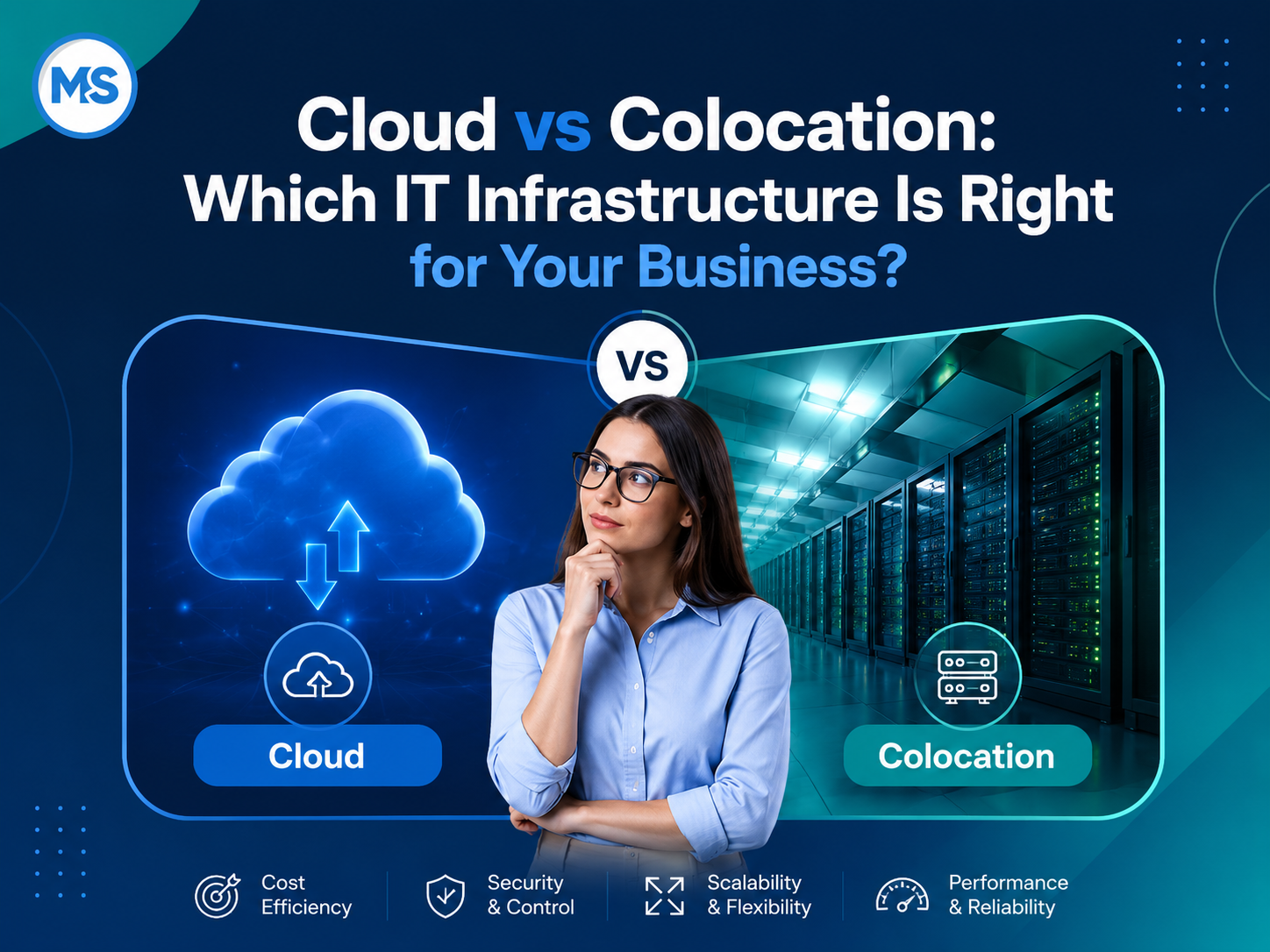
“Just move it to the cloud” has become a default recommendation in many IT conversations. And to be honest, moving to the cloud really is the right recommendation in some cases. Businesses can set up cloud services quickly, scale them as needed and manage them without a room full of physical equipment.
But the cloud is not the best home for every system. Some businesses use custom hardware, while others want direct control over their servers. For those businesses, colocation may be better.
What’s the difference between cloud and colocation?
In a typical hosted cloud model, a provider owns and operates the physical infrastructure that runs your applications and data. That could be a public cloud platform or a private cloud & VPS hosting.
Colocation flips that arrangement around. You own the servers and networking equipment, but you keep them in a data center. The data center supplies the power, cooling, internet connectivity and physical security while your team retains control of the hardware.
A colocation data center in Irvine, CA, gives businesses something a spare office or server closet usually cannot provide: a facility built to keep equipment running.
Both options can move your applications and data out of the office, but they divide ownership and responsibility differently. That difference affects the upfront cost, the ongoing workload and how much control your team has over the equipment.
When cloud is the better choice
Cloud services are ideal for businesses that prioritize speed and flexibility. You can launch a new system without buying servers first. You can also add more storage or computing power as demand rises and then scale back when it falls. That makes cloud infrastructure useful for businesses that do not want a large hardware bill at the start.
This model is best for:
- Web applications and customer portals
- Remote teams
- Changing or unpredictable workloads
- Companies that would rather pay ongoing operating costs than buy equipment upfront
Some businesses also prefer managed web hosting services over building a complete cloud or colocation environment. The hosting provider manages the server platform while the business focuses on the website and its applications.
Cloud hosting does not have to come from a huge national company either. A web hosting company in Irvine, California, can offer managed or private cloud services with faster and more direct support.
Cloud costs still demand attention, though. According to Azul’s 2026 CFO Cloud Cost Optimization Report, 88% of surveyed finance leaders said that their cloud spending was increasing, while the average estimated level of wasted cloud spending was 23%.
Usage-based pricing gives companies more freedom, but it can also make costs harder to track. Clear budgets, close monitoring and assigned responsibility are still needed to stop spending from getting out of hand.
When colocation is the better choice
Cloud leans toward flexibility and limited hardware ownership. Colocation is more about control and consistency.
Colocation is ideal for a business that already owns good hardware or needs a setup that would be difficult or expensive to rebuild in the cloud.
A colocation model is best when:
- Servers need specialized hardware, software or licenses
- Applications depend on predictable performance
- Staff need physical access to the equipment
- Moving everything to the cloud would cost more over time
- The business already owns equipment worth keeping
Keeping servers in the office comes with real risks. A power outage can shut everything down and office cooling may not be strong enough for critical equipment. Also, in many offices, physical server security may amount to little more than restricted access and a locked door. That is a fragile setup for systems the business depends on.
MSI’s Irvine data center has backup power, controlled cooling, connections to multiple network carriers and on-site engineers. These protections lower the risks associated with running critical equipment in an office.
There is also a middle option. Dedicated hosting sits between cloud and colocation. The business gets single-tenant hardware and predictable resources, but the provider owns and houses the server. Dedicated servers can work for companies that want more isolation and control than standard cloud hosting without purchasing their own equipment.
The overall cost is more than the monthly bill
Cloud bills commonly include charges for computing power, storage and data transfer. Support, backups, security tools and managed services may be included or charged separately. You avoid buying equipment at the start, but the monthly cost can increase as your usage grows.
A colocation setup requires your business to buy and maintain the equipment. Although the base data center costs are generally predictable, your company is responsible for maintenance, upgrades and eventual equipment replacement. Power usage, bandwidth, additional rack space and hands-on support can also affect the monthly total.
A fair cost comparison should include:
- New hardware and replacement schedules
- Migration and setup costs
- Software licenses
- Internet, bandwidth and data transfer costs
- Backups and disaster recovery
- Monitoring and technical support
- Security tools and services
- The cost of downtime
The right comparison is not simply this month’s cloud bill against this month’s colocation fee. It is the total cost of running the system reliably over several years.
Security depends on how the system is managed
Both cloud platforms and colocation facilities can be secure, but neither option guarantees protection on its own. The important question is who is responsible for securing each layer.
In a cloud environment, the provider usually protects the physical infrastructure. The customer is still responsible for areas like account access, system configurations, applications and data.
In a colocation environment, the data center protects the facility, power systems and shared physical environment. The customer remains responsible for its servers, operating systems, applications, user access and data.
Security comes down to the work people do every day. Google Cloud’s M-Trends 2026 Executive Edition found that exploitation of vulnerabilities was the most common initial infection vector, accounting for 32% of intrusions for which an initial vector could be identified. It was the leading vector for the sixth consecutive year.
The FBI’s 2025 Internet Crime Report announcement also said that Americans reported nearly $21 billion in losses from cyber-enabled crime in 2025.
That figure does not favor one infrastructure model over the other, but it shows why security responsibilities must be treated seriously.
These findings reinforce the importance of:
- Installing updates
- Limiting access
- Correcting unsafe configurations
- Monitoring systems
- Maintaining tested backups
- Assigning responsibility for security incidents
MSI connects infrastructure planning with security and virus removal and broader cybersecurity practices.
Reliability needs planning
No infrastructure is immune to failure. Cloud companies have outages while data centers can lose power or connectivity. The difference is how prepared the business is to respond.
Splunk’s The Hidden Costs of Downtime 2026, based on a survey of 2,000 executives from Global 2000 companies, found that those companies lose an average of $300 million a year to unplanned outages. Smaller companies may not lose that much, but the damage can still be severe. Even a short outage can interrupt productivity, delay customer service and cut into sales.
A reliable setup needs:
- Monitoring and useful alerts
- Backups that have been tested
- More than one connection where needed
- Documented recovery steps
- A person or team responsible for responding
Recovery needs are not the same for every system. A tool that can be offline for half a day does not need the same setup as a customer platform that must stay available around the clock.
The business should decide how long each system can be unavailable and how much recent data it can afford to lose. Those limits should influence the backup, redundancy and recovery design from the start.
Hybrid environments are common
Cloud and colocation are not always competing choices. In many cases, companies use both.
Gartner predicts that 90% of organizations will adopt a hybrid cloud approach through 2027. A company might keep key hardware in a colocation facility, run some applications in a private cloud, host its website with a managed provider and store backups elsewhere.
Hybrid systems do need careful design. Connections between environments must be secured and monitored. Without that coordination, a flexible setup can become unnecessarily complex.
Network management also becomes a bigger job as more environments are connected. The business needs reliable connections between systems without creating new security gaps or performance problems.
Someone still has to manage it
Choosing cloud or colocation does not remove the need for ongoing IT work. Someone must consistently handle tasks like monitoring, updates, backups, security and troubleshooting.
Some businesses have an internal IT team that handles all of these responsibilities. Others use managed IT services in Irvine, CA, or bring in ongoing IT support for part of the job.
The important thing is to establish clear ownership. Everyone should know:
- Who monitors each system
- Who approves and installs updates
- Who checks the backups
- Who contacts outside providers
- Who responds when there is a security or availability problem
MSI provides local engineering support. Businesses work with people who already know their systems. That makes everyday support easier and creates a clear point of responsibility when unexpected problems arise.
Work with MSI to choose the best system for your needs
Millennium Systems Inc. is an IT company serving Orange County. MSI operates local hosting and data center infrastructure in Irvine and provides engineering, managed IT, network and security support. Schedule a consultation with MSI to review your current workloads, equipment, cloud costs, recovery requirements and support needs. We will help you identify which systems belong in the cloud, in colocation or in a hybrid environment.
FAQs
Is cloud always cheaper than colocation?
Not always. Cloud services reduce upfront spending, but costs can increase as usage, storage and data transfer grow. For steady workloads, colocation may have a lower total cost over several years, more so when the business already owns suitable equipment.
Does colocation provide better performance?
It can provide more predictable performance because the business controls the hardware and does not depend on shared virtual resources. Actual performance still depends on the equipment, configuration, connectivity and application design.
Is a hybrid setup difficult to manage?
A hybrid setup can become difficult to manage when responsibilities, connections and monitoring are not clearly defined. Good documentation, secure network design and clear ownership make it much more manageable.
How should a business choose between cloud and colocation?
Start with the systems themselves. Review performance requirements, security or compliance rules, downtime limits, existing equipment, staffing and budget. Then compare the total cost over several years, including migration, support, maintenance, backups and hardware replacement.