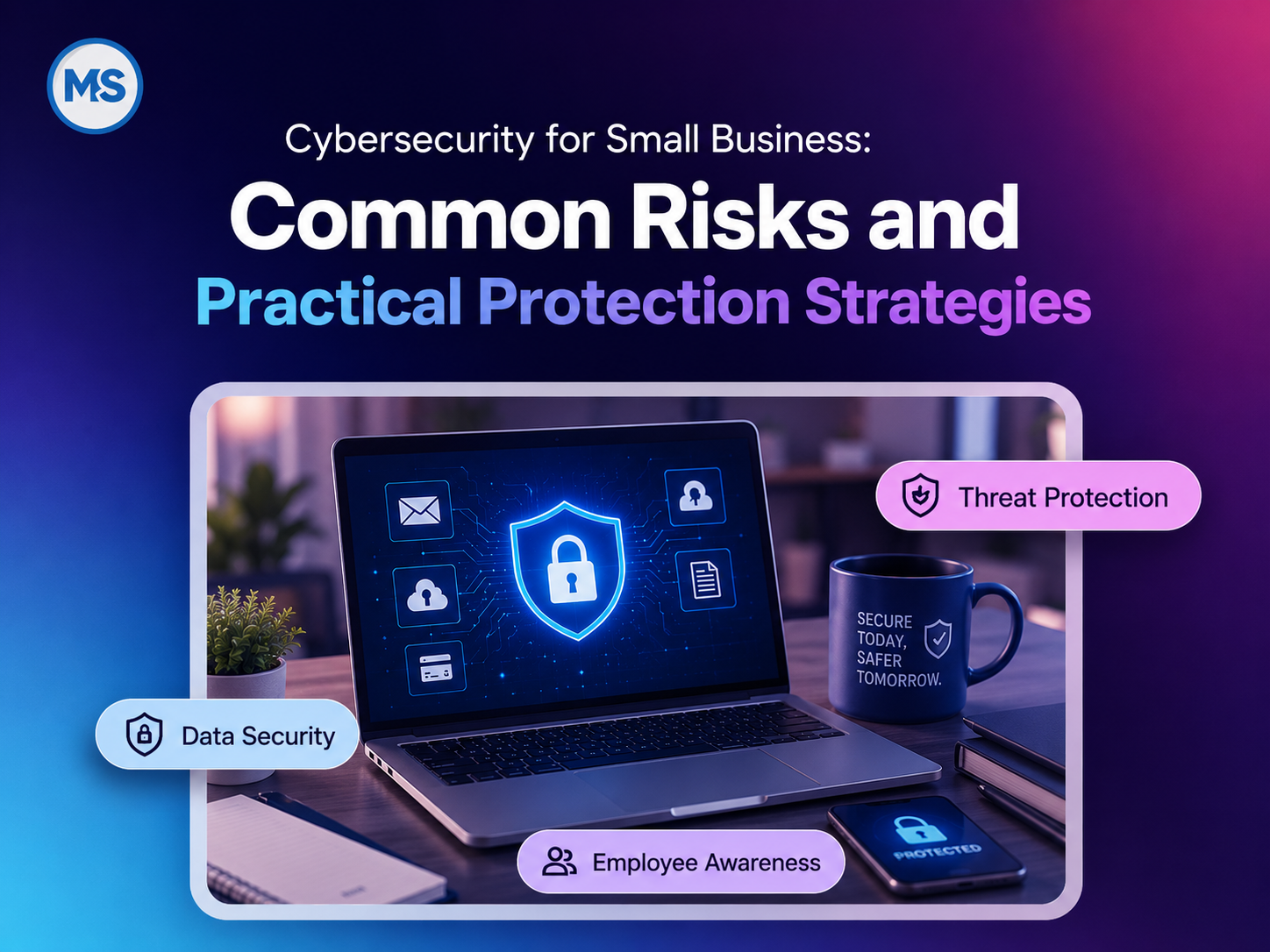
Small businesses don’t need a big enterprise security team to improve their cybersecurity. What they do need is someone to take responsibility for it and an incident-response plan.
Most problems start with ordinary things, such as:
- Someone on your team clicks a link that looks convincing.
- Someone reuses a password somewhere else.
- Someone fails to update a publicly accessible system.
- An old employee account is still active.
- Backups exist, but nobody has ever tested them.
Cybersecurity works best for your small business when you make it part of your everyday operations.
Phishing is getting harder to spot these days
Phishing is increasingly sophisticated. A message could look like it came from a vendor or even a trusted cloud service. Some attacks even start with back-and-forth conversation. The malicious step may come only after you respond or click a link.
Microsoft Threat Intelligence’s Q1 2026 email threat analysis found almost 8.3 billion phishing attempts in only the first three months of 2026. Around 78% of those were link-based, and QR-code phishing increased from 7.6 million detections in January to 18.7 million in March.
The bottom line is that phishing training can’t be only about suspicious attachments anymore. Here are some tips for you:
- Be careful with unexpected login pages, QR codes or links that pull you away from the original email.
- Verify any unusual payment requests or account change requests.
- Avoid unsolicited login links.
- Report suspicious messages as soon as possible.
- Training also needs to keep up. Old phishing examples don’t help much if the attacks you and your employees are seeing now look totally different.
One compromised account can expose multiple systems
A compromised account can give an attacker access to email, cloud files and other sensitive systems. It also gives attackers a trusted identity. Attackers can pretend to be employees and send requests that look much more believable than a random phishing email once they get inside a real account at your company.
Password habits are still a weakness for many small businesses like yours. WatchGuard’s 2026 Cybersecurity Hygiene Report drew on data from 684 employees at small and mid-sized companies and found that 76% reuse passwords across different accounts. It also found that 23% had never even had phishing training.
That is a bad combination. An attacker who obtains one reused password can use it to compromise multiple systems. These basic steps help:
- Use unique passwords everywhere and a business password manager if possible.
- Turn on multifactor authentication for email, admin accounts and other sensitive services.
- Disable old employee accounts immediately and limit administrator privileges.
Don’t forget that externally accessible systems need ongoing maintenance
A firewall or server can have a serious vulnerability and still appear to be working normally. That is a big problem. Attackers start scanning for anything that remains accessible from the internet once a vulnerability becomes public. Businesses usually won’t notice anything until an attacker has already hit them.
Fortinet’s 2026 Global Threat Landscape Report says FortiGuard Labs saw around 122 billion attempts to exploit vulnerabilities in 2025. They also saw a 25.49% year-over-year increase.
A small business needs to know at least which systems are accessible from outside the network. A designated team member also needs to maintain those systems.
A small business should replace unsupported equipment and turn off unnecessary services. Your team needs to establish a process for reviewing and deploying critical security updates.
Good network management makes this part of normal maintenance. That’s a lot better than discovering a problem after an attacker has already hacked a system.
Backups must be recoverable
The impact of a cyberattack doesn’t stop when you contain the technical problem. A 2025 Mastercard survey of over 5,000 small and mid-sized business owners across four continents found that cyberattacks had already hit 46% of respondents. Nearly 1 in 5 of those businesses went bankrupt or shut down. Nearly 80% said they had to spend a lot of time rebuilding trust with customers and partners.
Recovery must be part of your cybersecurity plan from day 1.
Your backup plan needs to answer some simple questions:
- What systems and data are you backing up?
- Do you have at least one copy stored somewhere separate?
- How long do you keep those backups?
- Who can request a restoration?
- How fast can you actually recover important systems?
- When was the last time you tested a restore?
A successful backup is meaningless if you can’t restore it. That’s why you should test restores regularly, so you can spot problems before you’re in the middle of an emergency.
Your security tools need someone in charge
Like most small businesses, you might be using tools such as:
- Antivirus on the computers
- A firewall in the office
- Email filtering
- Cloud security settings
- A separate backup system
These tools generate alerts, but someone must monitor and act on them.
This is a common point of failure. Alerts go unaddressed if nobody is responsible for monitoring and response. Everyone assumes someone else is handling it.
CISA’s small- and medium-sized business guidance basically says the same thing more formally. It recommends logging and monitoring systems, along with phishing awareness, MFA, software updates, backups and encryption.
Good logs help you see who logged in, what changed and which device a user used. Figuring out what happened during a security issue gets a lot harder without good logs.
This is where managed IT services in Irvine, CA can help. A provider can handle monitoring, patching and other security work so employees don’t have to divide it among themselves.
MSI also connects managed IT to network management and security and virus removal. That allows MSI to investigate devices, networks and infrastructure as one environment.
Your website and hosted systems are part of your security too
Your company website may live outside the office network, but that doesn’t take it out of the attack surface.
Old website software can still be vulnerable. Admin accounts can be compromised. Server settings might not be secure. And if you use the site for orders, bookings, payments or customer communication, someone has to oversee each part of it.
With managed web hosting services, the provider can handle parts of the server environment, monitoring and security maintenance. But you or your developer may still be responsible for the actual site software, plugins and admin logins.
Create an incident response plan before an incident happens
Incident-response planning can sound like something only big companies with full security teams worry about. It really isn’t.
Start simple:
- Write down who your employees contact when they notice suspicious activity.
- Identify who can deactivate an account or isolate a computer from the network.
- Record how to reach your IT provider, where backups are, and what systems your team should restore first.
Next, run through a realistic situation. What happens if an attacker hacks one of your employees’ email accounts at 9 a.m. on a normal workday?
A simple walkthrough like that can expose so many weaknesses, like missing phone numbers, unassigned responsibilities or overlooked system dependencies. Finding those gaps during a test is better than discovering them during an attack.
You need someone local in charge when a security incident happens
Cybersecurity advice is easy to find online. What is harder to find during a real incident is one person or team willing to take ownership across all your systems.
Millennium Systems Inc. is an IT company in Orange County and Southern California. MSI’s Irvine-based team handles IT support, networking and security work. MSI emphasizes a direct line to technicians and engineers. That becomes important when suspicious activity is spreading across different parts of your setup. You need someone who can investigate the incident, isolate the problem and coordinate recovery.
No provider can promise that your business will never face an attack. The real target should be to fix the weaknesses early and make recovery easier.
MSI can help you secure your business-critical systems
MSI brings local engineering support together with managed IT, networking, cybersecurity, hosting and infrastructure services. Schedule a consultation with MSI to discuss user access, patching, backups, network security and incident-response readiness.
FAQs
What are the most common cybersecurity risks for my small business?
Common risks include phishing emails, stolen passwords, ransomware, outdated software, unsecured remote access, excessive user privileges and inadequate backups. Your priority should be protecting the systems and data you use in your daily operations.
Does my small business need multifactor authentication?
Yes. Multifactor authentication makes unauthorized access much harder even if someone steals a password. Start with email, admin accounts, remote access, banking and other sensitive systems.
How regularly should my small business install security updates?
Regular security patching should be part of your routine. Monitor publicly accessible systems, especially firewalls and VPNs.
Are cloud applications automatically secure?
No. The cloud provider handles part of the security, but you are still responsible for access and configuration. It’s a shared responsibility and people tend to forget that.
What should my small business back up?
You should back up the systems and data you’d need to keep your business operations running, including files and databases. You should also regularly test your backups. A backup you can’t restore is useless.
Can managed IT services improve my small business’s cybersecurity?
They can help, especially when both sides understand their responsibilities. These responsibilities can include monitoring, updates and incident response. You and the provider should define the scope so each of you knows what you’re responsible for.

 July 10, 2026